Welcome home.
Your whole home, a little closer.
A PLACE FOR EVERYTHING
Your home
⌕
All devices
Choose a room to move a device and all its controls in Home Assistant and Glass House.
Tanklight groups are managed in Office and Master room controls.
◉
A window into your home.
Connect supported Lorex or Nest cameras in Home Assistant, then assign them to rooms in Connections.
THE NEXT SEVEN DAYS
Life at home
YOUR HOME IS COMING TOGETHER
Setup progress
Sign-ins happen in Home Assistant. This dashboard uses those connections.
Manage integrations ↗THE HEART OF YOUR HOME
Connect Home Assistant
Connect once. Then place each device in its room.
WORKING TOGETHER
Your connections
Home AssistantRoborock · Smart Life · ecobee · Govee · NestSetup needed
TanklightOffice and Master · phone must be in Bluetooth rangeVia Jarvis
Google MinisLink Home Assistant to Google Assistant for voice controlSetup in HA
Lorex camerasConnect the recorder or cameras locally with ONVIF or RTSPUse camera bridge
Add Lorex camera feeds
Try ONVIF first. If the recorder does not support it, use its RTSP address with Generic Camera.
Try ONVIF in Home Assistant ↗Add an RTSP camera ↗MyQGarage controller compatibility depends on the installed hardwareCheck hardware
HOME ACCESS
Change Glass House password
This changes the password used by the dashboard and phone app.
PASSWORD RECOVERY
Phone recovery code
Create a code and save it in your phone's password manager. It works once, then a new code must be created.
Save this now. It will not be shown again.
ROBOROCK
Room-by-room cleaning
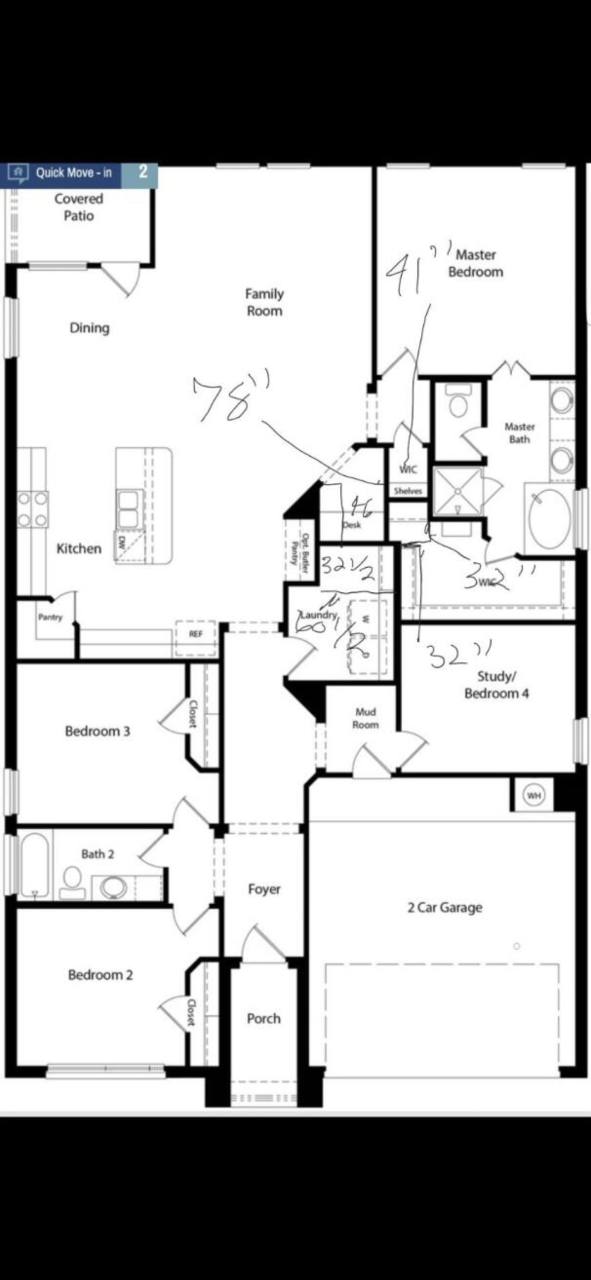
First map Roborock rooms to Home Assistant areas in the vacuum settings. Then match those areas to this floor plan.
EVERYTHING IN ITS PLACE